
When it comes to epic warfare, Battlefield 2042 is not just a game: it’s an experience designed to take your breath away, and possibly your computer’s performance as well. As gamers jump into the futuristic arenas filled with chaos and destruction, having the right hardware is crucial. Before you grab your controller, make sure your system can keep up with the adrenaline-pumping action. Let’s explore the system requirements that determine whether you’ll be charging into battle or watching from the sidelines like a bemused spectator at a fireworks show.
Minimum System Requirements
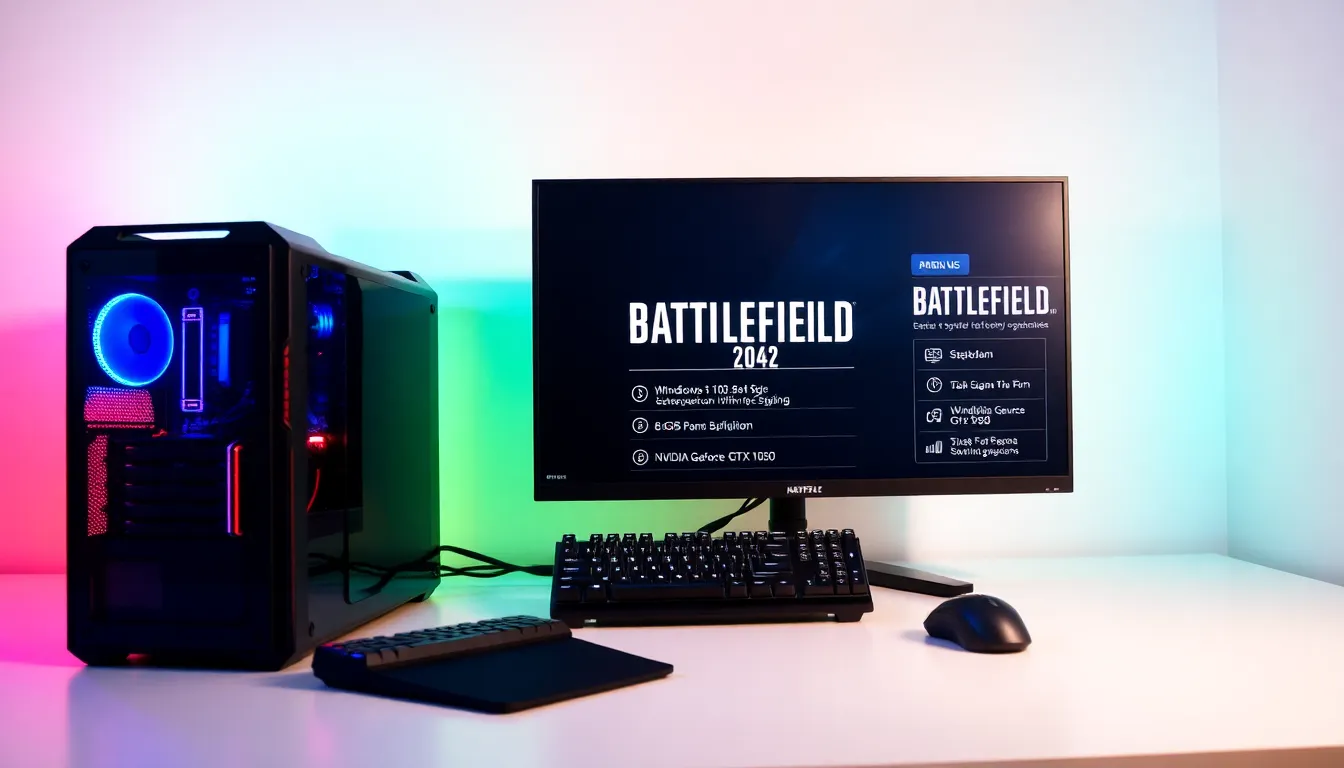
To even consider entering the Battlefield experience, players must ensure their systems meet the minimum requirements. This is your entry ticket into the thrilling, chaotic world of Battlefield 2042.
- OS: Windows 10 64-bit
- Processor: AMD FX-8350 or Intel Core i5 6600K
- Memory: 8 GB RAM
- Graphics: NVIDIA GeForce GTX 1050 or AMD Radeon RX 560
- DirectX: Version 11
- Network: Broadband Internet connection
- Storage: 100 GB available space
These minimum specifications are essentially the bare bones. While they may allow players to join the game, they should expect performance more akin to a shaky truce than a smooth battlefield experience.
Recommended System Requirements
For those who wish to experience the multiplayer mayhem in style, the recommended system requirements elevate the battlefield experience to new heights. By meeting these, players can enjoy enhanced graphics and smoother gameplay, think of it as upgrading from a bicycle to a high-speed tank.
- OS: Windows 10 64-bit
- Processor: AMD Ryzen 5 3600 or Intel Core i7 4790
- Memory: 16 GB RAM
- Graphics: NVIDIA GeForce GTX 1060 or AMD Radeon RX 5600
- DirectX: Version 12
- Network: Broadband Internet connection
- Storage: 100 GB available space
Meeting these specifications will have players witnessing explosions and intricate details come to life, rather than looking like something out of a cracked mirror. If players want to fully enjoy everything Battlefield 2042 has to offer, these specs are the way to go.
Optimal System Requirements for Competitive Play
While meeting the minimum or recommended specs is impressive, those serious about going into competitive play might want to pursue the optimal requirements. Competitive gamers require systems that ensure smooth frame rates and superior responsiveness, which can mean the difference between victory and defeat.
Understanding Hardware Specifications
It’s vital to understand that hardware specifications aren’t just numbers on a page: they are the very essence of a gaming rig’s capability. Every component plays a crucial role.
CPU and GPU Requirements
To maintain fluid motion during intense battles, a powerful CPU is essential. Players will want to sacrifice nothing when it comes to the CPU and GPU.
- CPU: AMD Ryzen 7 5800X or Intel Core i9 9900K
- GPU: NVIDIA GeForce RTX 3070 or AMD Radeon RX 6800
Memory and Storage Needs
Memory requirements soar in competitive scenarios: more RAM means fewer stutters during frantic firefights.
- Memory: 32 GB RAM
- Storage: SSD (Solid State Drive) recommended for faster load times
Operating System Compatibility
Players need to ensure they’re running on a compatible platform. Using outdated systems can easily hamper performance.
- OS: Windows 10 64-bit or newer
Ensuring these parameters are met transforms a player from mere participant to a formidable competitor, ready for the electric chaos of Battlefield 2042.
Performance Enhancements and Settings
To squeeze every drop of performance from a gaming rig, players should consider more than just specifications: settings can be customized to maximize gaming smoothness.
Adjusting Graphics Settings for Better Performance
Tweaking graphics settings can make all the difference. Options like lowering texture quality or disabling certain visual effects can enhance frame rates without sacrificing the functionality of combat. Gamers should experiment with their settings: a dedicated gaming site lists various configurations that can help players trade off visual flair for performance.
Utilizing Performance Monitoring Tools
To keep track of how well a system performs, it’s wise to use performance monitoring tools. Tools such as MSI Afterburner allow players to see in-game statistics, making it easier to spot bottlenecks or to evaluate the effectiveness of settings changes.